Steps
3
- Linear rails 3 steps

In Progress
This guide is currently being written. Reload periodically to see the latest changes.

User-Contributed Guide
This guide is not managed by the site's staff.

Private
This guide will not appear in search results and can only be viewed by team members!
Quiz
0
-
-
Consult our linear rail guide to prepare you rails
-
The kit comes with different length MGN12 rails with one MGN12C carriage on each rail for:
-
X - 1x 400mm for the 2020 extrusion
-
Y - 2x 350mm for 3030 extrusions
-
Z - 3x 400mm for 3030 extrusions
-
-
-
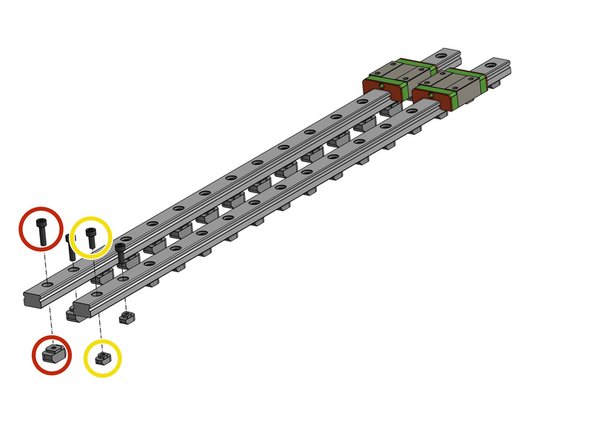
Insert all M3 screws and T-nuts into the rails:
-
For the 3x Z 400mm rails use 3030 T-nuts and DIN912 M3x12mm screws
-
For the 2x Y 350mm rails use 3030 T-nuts and DIN912 M3x12mm screws
-
For the X 400mm rail use 2020 T-nuts and DIN912 M3x10mm screws
-
-
-
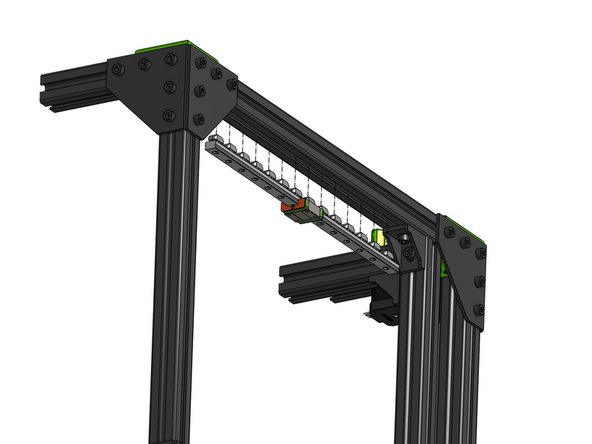
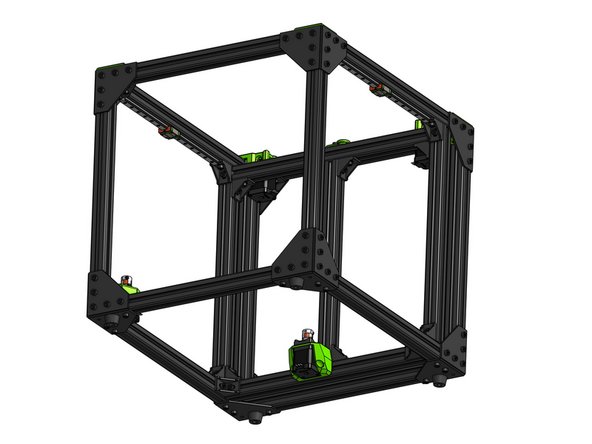
Attach the Y MGN 12 rails on both sides of the printer
-
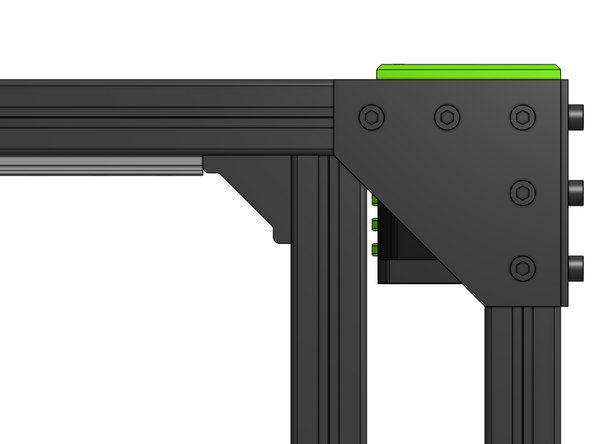
Use the 3030 corner bracket in the back as reference - the rail should touch the bracket
-