Steps
10
- 10. Accessories 10 steps

User-Contributed Guide
This guide is not managed by the site's staff.
Quiz
0
-
-
1x enclosure2_spool_holder_4mm Printed Part
-
3x M6x12 Cap Head Screw
-
3x 3030 Drop-in T-Nut - M6
-
2x 85mm PTFE Tube
-
1x enclosure2_bowden_clamp Printed Part
-
1x electronics_wire_guide_rear Printed Part
-
-
-
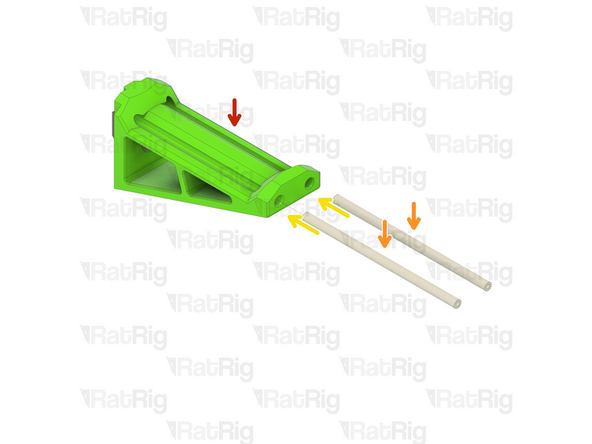
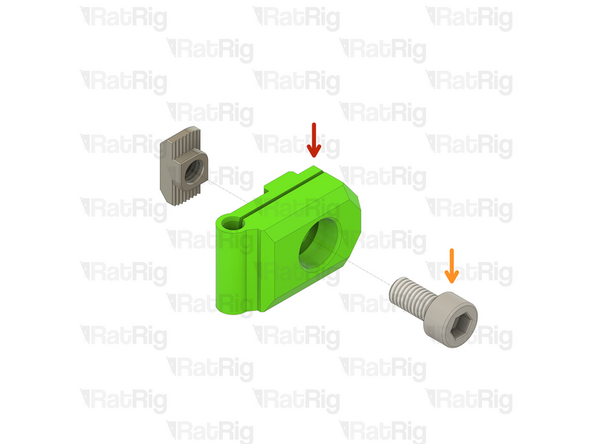
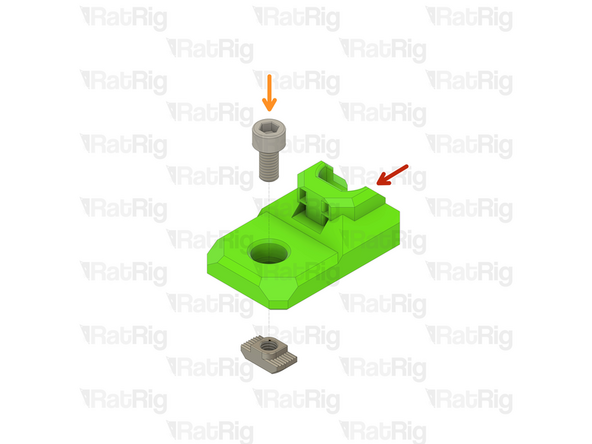
enclosure2_spool_holder_4mm Printed Part
-
M6x12 Cap Head Screw
-
Install the M6 cap head screw into the spool holder as shown
-
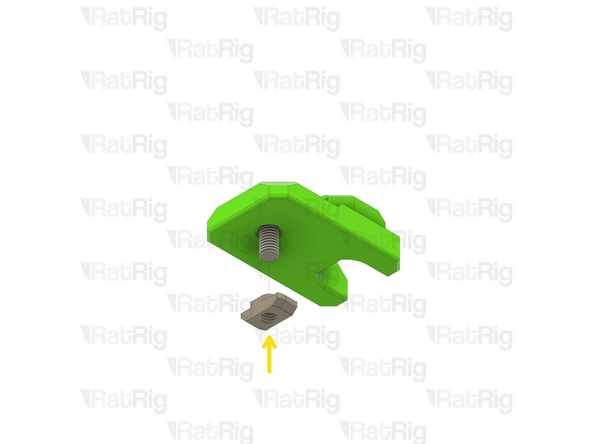
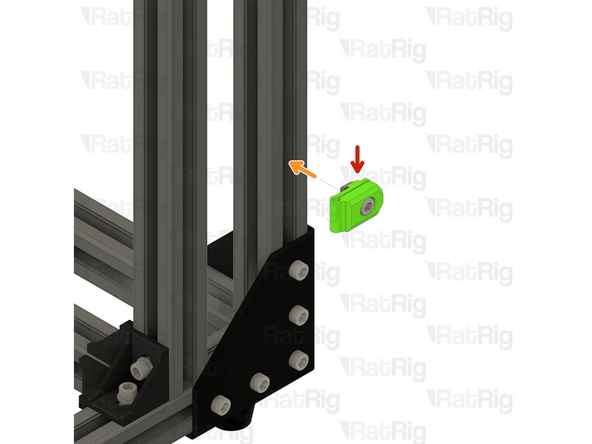
3030 Drop-in T-Nut - M6
-
Loosely thread a 3030 T-Nut onto the M6x12 screws. Do not tighten it at this point
-
-
-
Assembly from the previous step
-
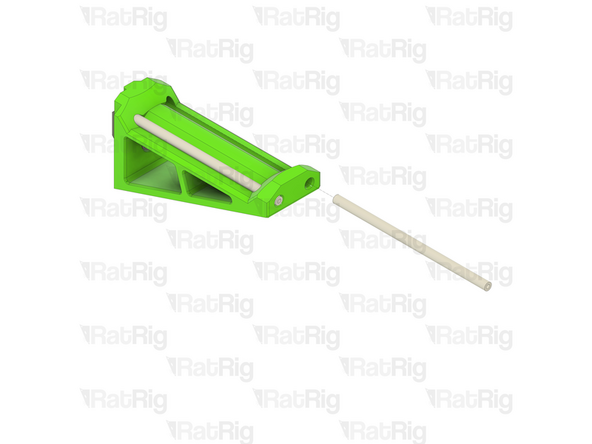
85mm length of PTFE tubing
-
The PTFE tube is provided in one length. Cut two lengths measuring 85mm, using a sharp blade (such as a utility knife).
-
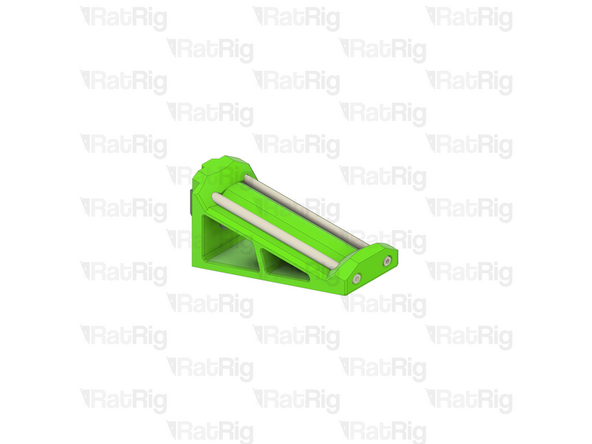
Insert a length of PTFE into each channel of the spool holder as shown
-
Set the spool holder assembly aside until Step 7
-
-
-
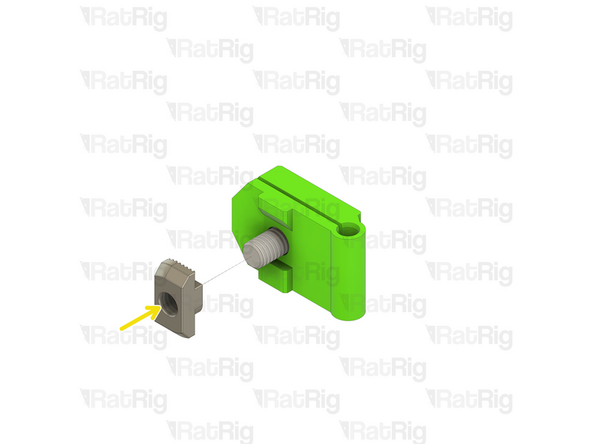
enclosure2_bowden_clamp Printed Part
-
M6x12 Cap Head Screw
-
Install the M6 cap head screw into the bowden clamp as shown
-
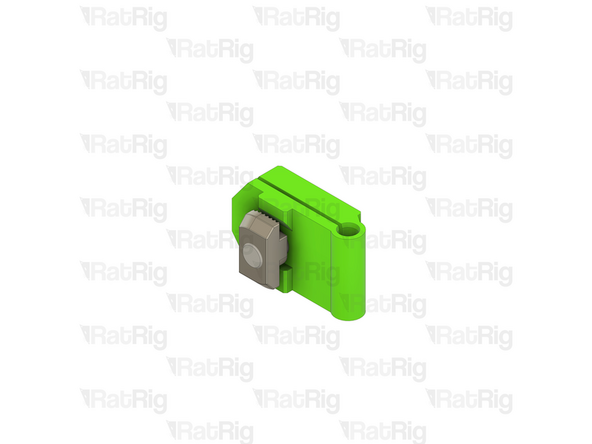
3030 Drop-in T-Nut - M6
-
Loosely thread a 3030 T-Nut onto the M6x12 screws. Do not tighten it at this point
-
Set the bowden clamp assembly aside until Step 8
-
-
-
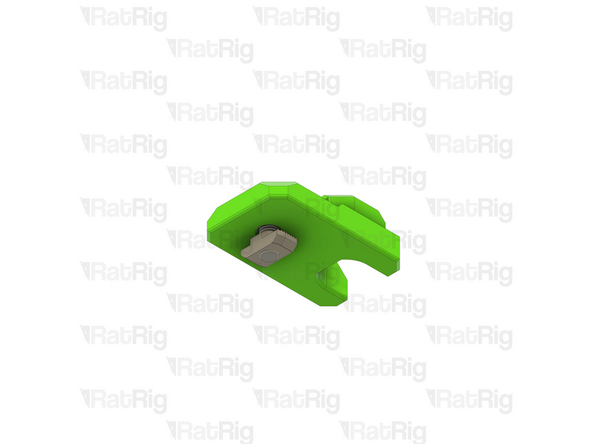
electronics_wire_guide_rear Printed Part
-
M6x12 Cap Head Screw
-
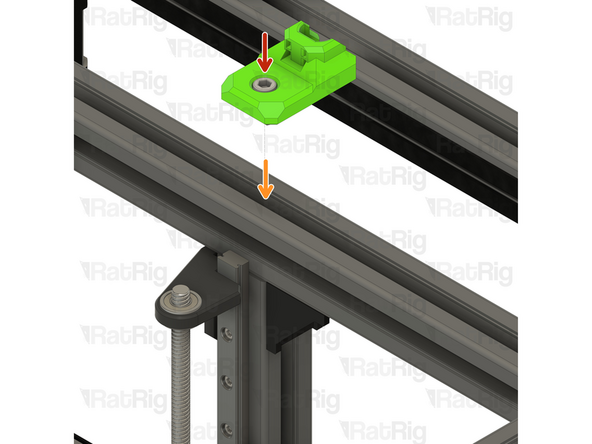
Install the M6 cap head screw into the cable guide as shown
-
3030 Drop-in T-Nut - M6
-
Loosely thread a 3030 T-Nut onto the M6x12 screws. Do not tighten it at this point
-
-
-
Cable guide assembly
-
Install the cable guide assembly to the V-Core 3.1 frame as shown
-
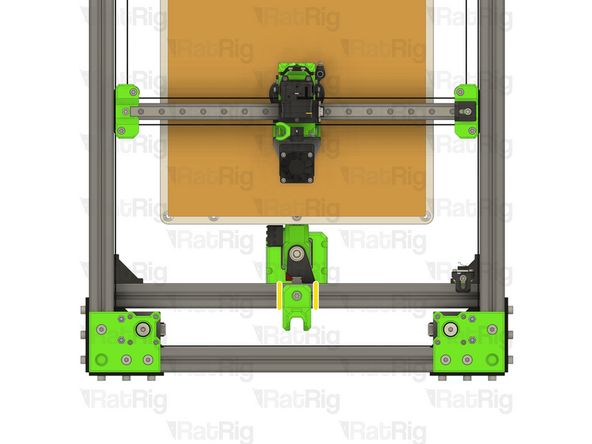
Check that the cable guide is in the middle of the frame
-
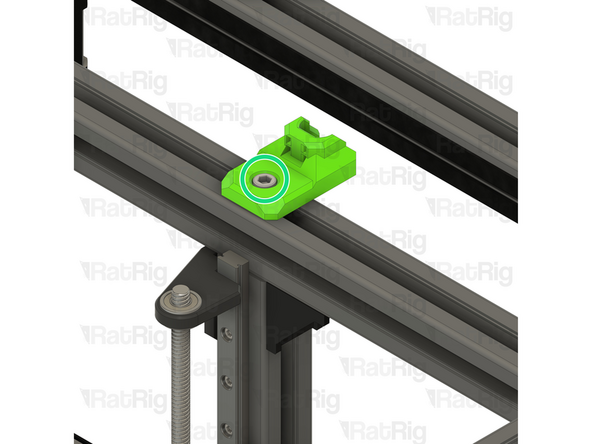
Tighten the M6x12 screw to secure the cable guide
-
-
-
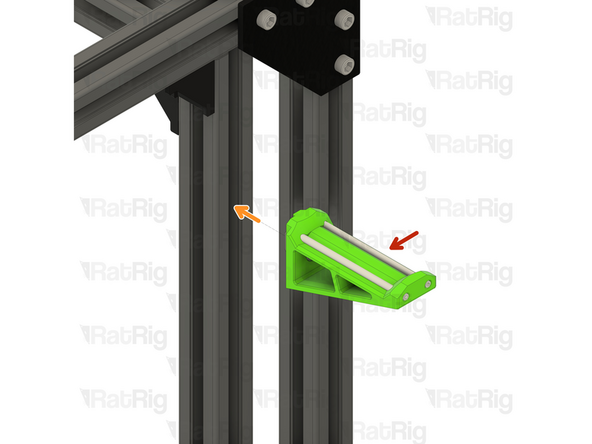
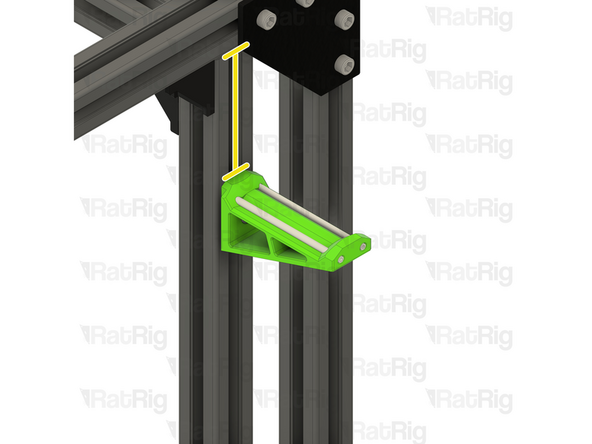
Spool holder assembly from Step 3
-
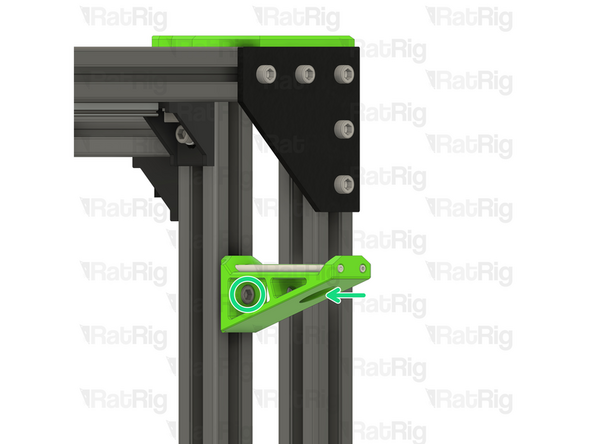
Position the spool holder assembly on the V-Core 3.1 frame
-
The marked distance should measure 85mm
-
Tighten the M6x12 screw to secure the spool holder to the frame
-
-
-
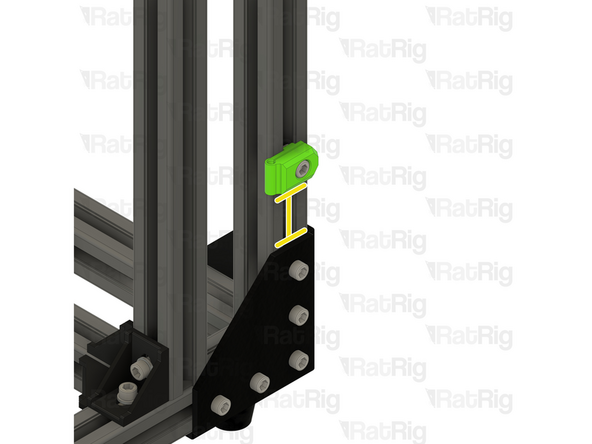
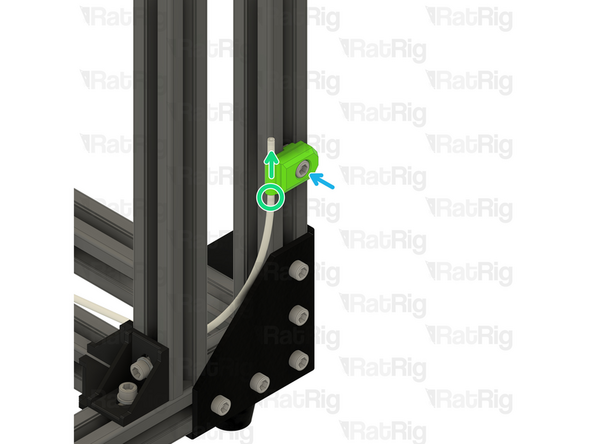
Bowden clamp assembly from Step 4
-
Position the bowden clamp assembly on the V-Core 3.1 frame
-
The marked distance should measure 45mm
-
Insert a length of PTFE tubing into the bowden clamp, as shown
-
Tighten the M6x12 screw to secure the bowden holder and PTFE to the frame
-
-
-
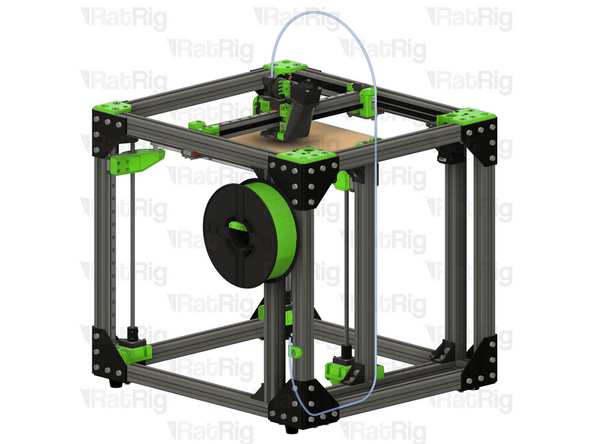
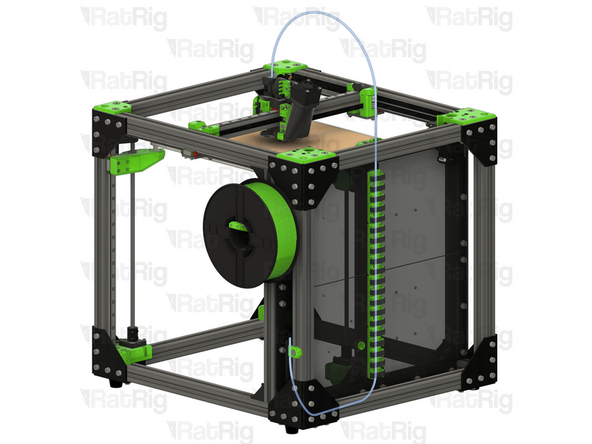
It is recommended to route the PTFE filament guide as shown
-
When using the electronics panel and printed cable guides, the PTFE tube can be routed through the cable guides
-
-
-
Continue with the next guide: 11. Wiring, Firmware & RatOS
-