Steps
9
- 01. Rat Rig Mill wiring 9 steps

In Progress
This guide is currently being written. Reload periodically to see the latest changes.

Private
This guide will not appear in search results and can only be viewed by team members!
Quiz
0
-
-
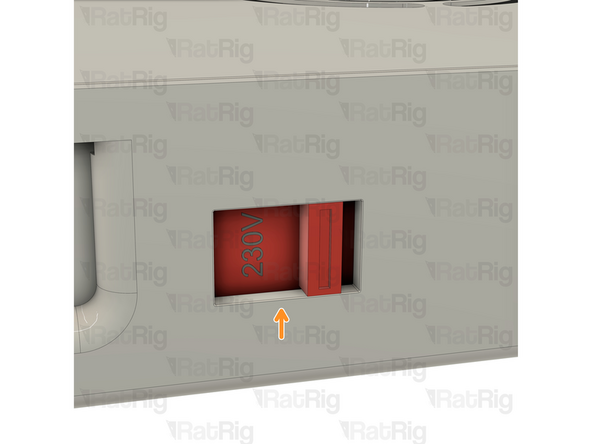
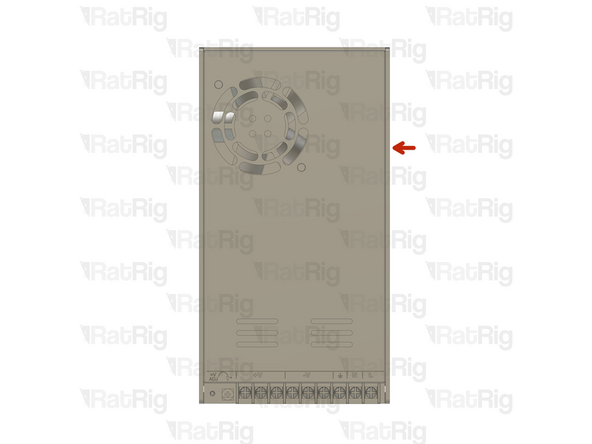
On the right side of the power supply there is a switch.
-
This switch needs to be set to the mains voltage in your country. Either 115V (most common in the USA / Canada), or 230V.
-
Setting this to the incorrect input voltage may destroy the power supply and anything connected to it.
-
Keep in mind that milling is a very messy job and debris may fly into the power supply. This could cause it to fail or catch fire! Please be aware!
-
-
-
Insert wisdom here
-
-
-
Insert wisdom here
-
-
-
Insert wisdom here
-
-
-
Insert wisdom here
-
-
-
Insert wisdom here
-
-
-
Insert wisdom here
-
-
-
This procedure can be found on the OpenBuilds Documentation, for further information click here.
-
Follow this step if you have access to a multimeter, otherwise skip to Step 8.
-
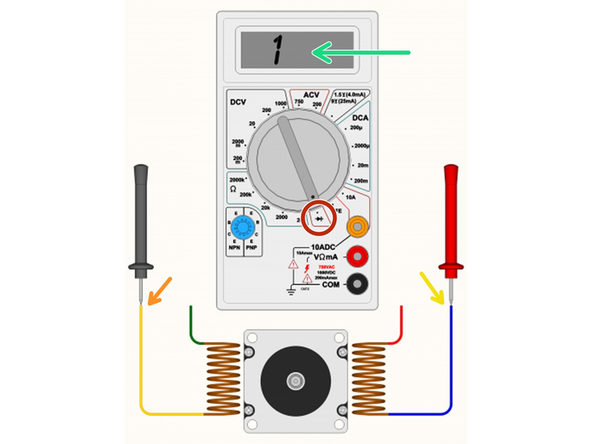
Set your multimeter to Continuity / Diode Test mode.
-
Start with any random wire, and touch that to the Black/Negative probe on your multimeter.
-
Select any remaining wire and touch it with the Red/Positive probe of your multimeter:
-
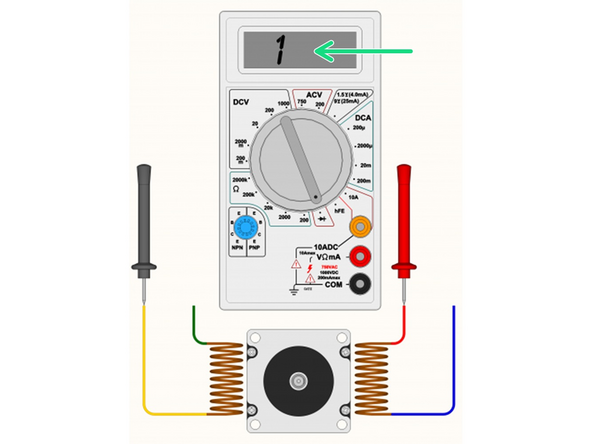
If the multimeter shows [1 or 0L] it means “no connection” - indicating we did not find a coil between these two wires. Some multimeters also “beep” when it does find a connection, so if there is no beep noise, it also could indicate the coil is not between these two wires.
-
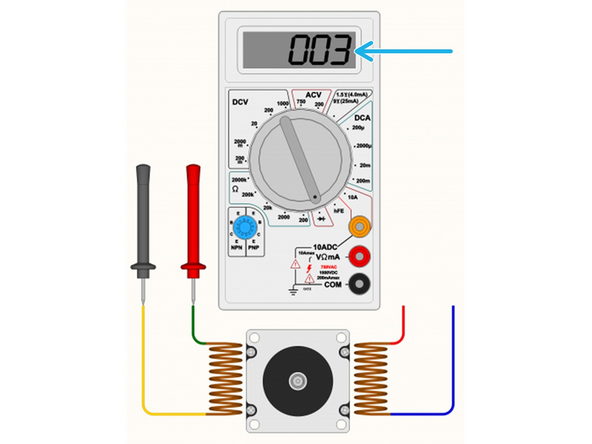
If you see a reading on the multimeter. The actual number does not matter too much, it's more important that it has some low value reading, and that the multimeter no longer displays [1] on the display. Some multimeters may “beep” when you have continuity between the wires (circuit completed by the coil in between).
-
Segment off these two wires and label them as belonging to a coil. It's important to not lose track of the coil pairs.
-
-
-
This procedure can be found on the OpenBuilds Documentation, for further information click here.
-
Follow this step if you don't have access to a multimeter. If you already identified all coil pairs in the previous step, please proceed to step 9.
-
If the two wires you joined together belong to the same coil, the shaft will become significantly harder to turn by hand.
-
If that shaft still spins easily, you have not identified a coil yet, and you must try a different combination of wires.
-
If you join together two wires that do result in the motor presenting resistance against turning, you can label these two wires as belonging to the same coil.
-