Steps
3
- 01. Rat Rig V-Core 4 preparation 3 steps

In Progress
This guide is currently being written. Reload periodically to see the latest changes.

Private
This guide will not appear in search results and can only be viewed by team members!
Quiz
0
-
-
Remove the M3x40 Countersink screw
-
Remove the 3x6x30mm spacer
-
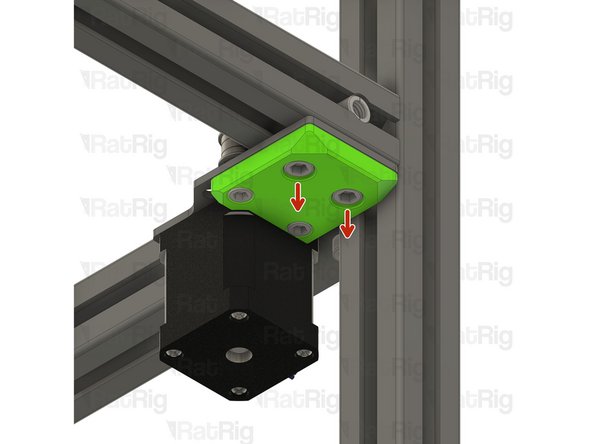
Remove the four M6x12 Cap head Screws
-
Partially unthread the M5x45 cap head screws, but do not remove them completely; just disengage them from the hidden M5 locking nut
-
Remove the top assembly as shown
-
-
-
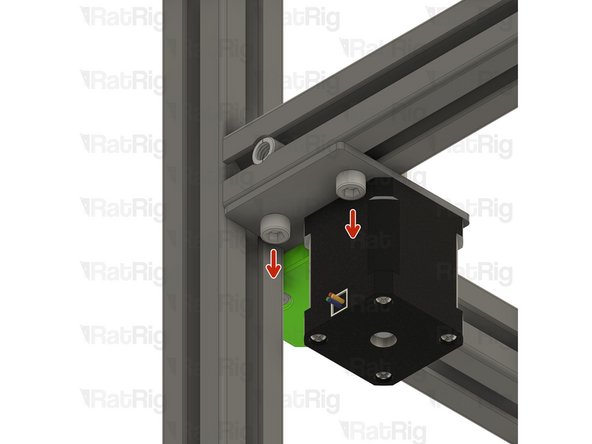
Remove all the M6x12 Cap Head Screws
-
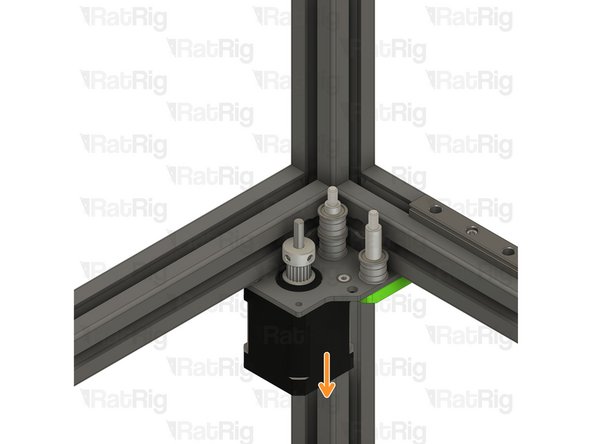
Remove the stepper motor assembly from the V-Core 4
-
-
-
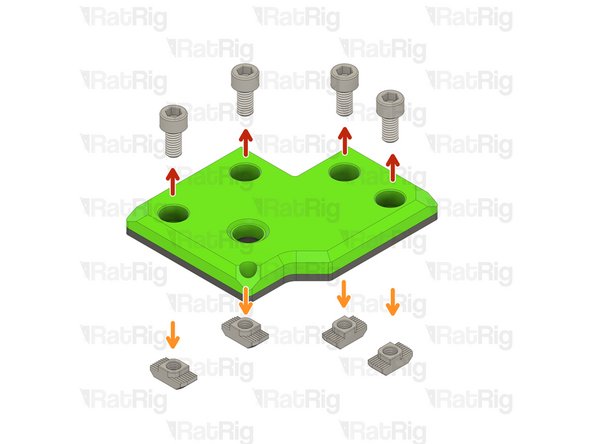
Remove the M6x12 Cap Head Screws
-
Remove the 3030 M6 T-nuts
-
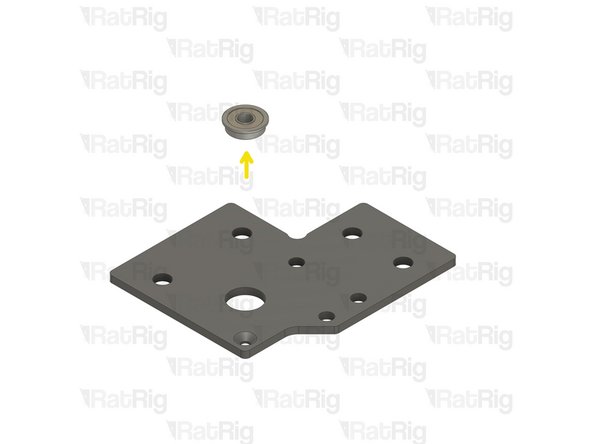
Remove the ball bearing
-
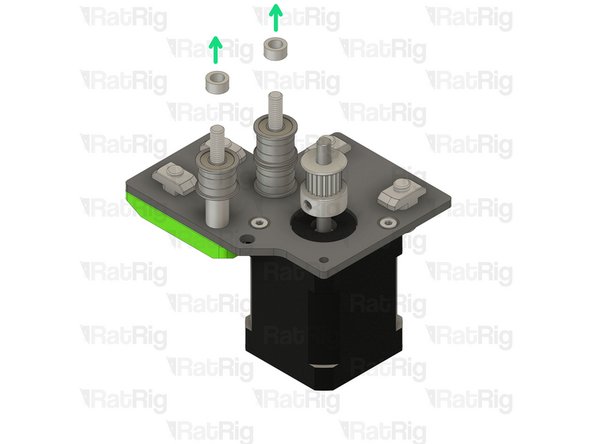
Remove the 5x8x4mm spacers
-